

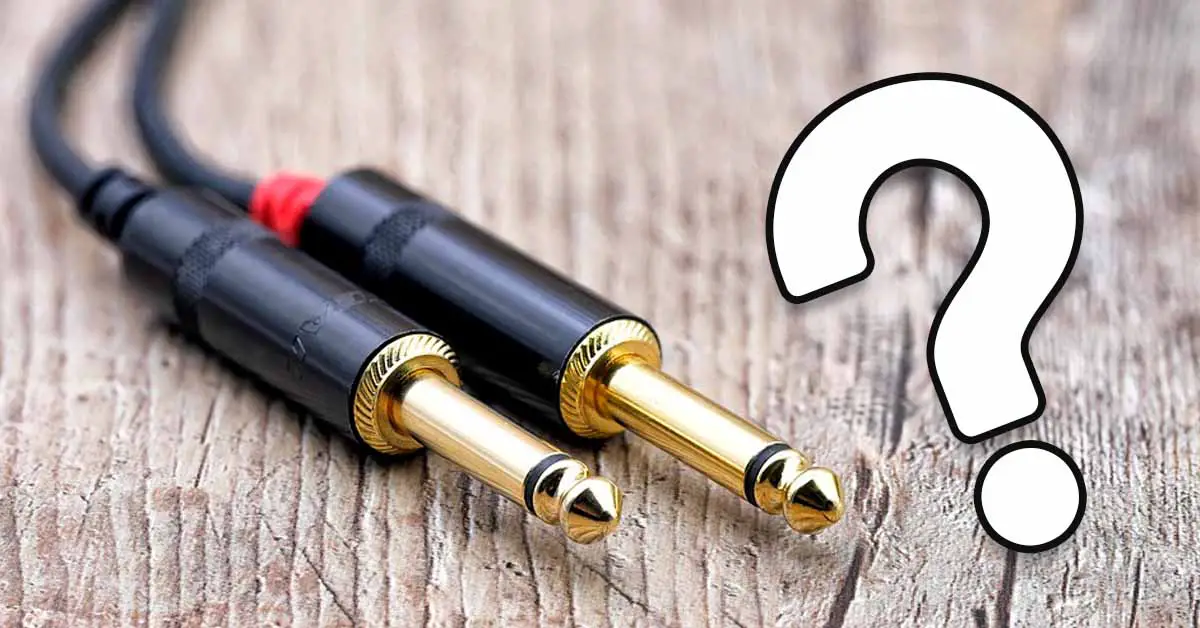
What size is a 3.5 mm audio jack in inches? What size in millimeters is a 1/4-inch jack? And what adapter do you need if your headphones don’t fit your DJ controller? I’ll quickly go over the most common audio jack sizes and the other cable types you’re likely to come across in a DJ setup.
This web portal is reader-supported and is part of the AliExpress Partner Program, Amazon Services LLC Associates Program, eBay Partner Network, and Guitar Center Affiliate Program. When you buy using links on our site, we may earn an affiliate commission.
Jack cable size table – inches to millimeters / in to mm
Here is the standard measurement conversion table for the two most common audio jack sizes:
| Audio jack: | Inches: | Millimeters: |
|---|---|---|
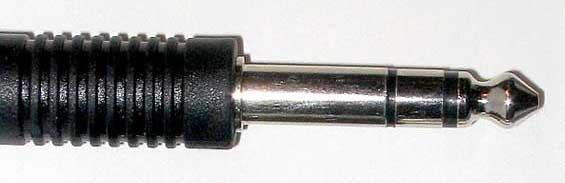 | 1/4 inch | 6.35mm |
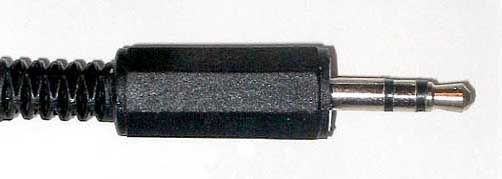 | 1/8 inch | 3.5mm |
Besides these two audio jack connectors, you might also see even a smaller one (2.5mm), although this kind of audio jack isn’t commonly used in DJ equipment.
The 2.5 mm plug is the smallest of the three common phone-style audio connector sizes covered here, and it was used more often on older mobile phones and portable devices.
Quick note: 6.35 mm is exactly 1/4 inch. A 3.5 mm connector is commonly referred to as a 1/8-inch jack in audio gear, although this isn’t an exact metric conversion.
You might also like: What Equipment Do You Need To DJ? (Beginner DJ Gear)
Standard audio jack connector sizes
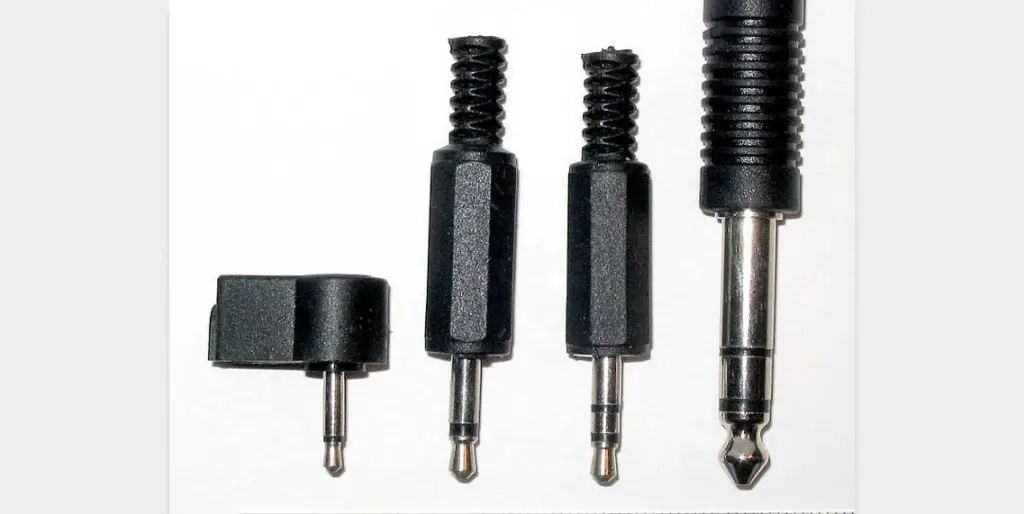
There are three common audio jack sizes you’re likely to come across:
- 2.5 mm jack – small connector, uncommon on DJ gear
- 3.5 mm / 1/8-inch jack – common on headphones, laptops and portable audio gear
- 6.35 mm / 1/4-inch jack – common on mixers, audio interfaces and other DJ/pro audio gear
Besides the connector size, it’s important to note whether the jack connector you’re using is able to provide stereo sound, or if it’s capable only of mono audio transmission.
TS vs. TRS jack connectors – mono, stereo and balanced audio
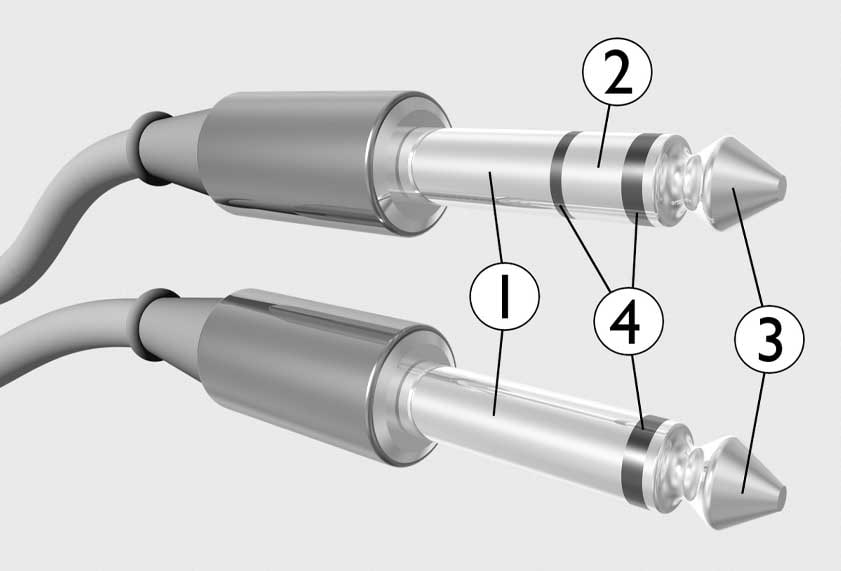
The black rings separate the electrical contacts on the plug. A TS (Tip-Sleeve) plug has one insulating ring and is typically used for unbalanced mono audio. A TRS (Tip-Ring-Sleeve) plug has two insulating rings and can carry either unbalanced stereo audio, as with headphones, or balanced mono audio, as with many mixer and audio-interface connections.
You may also come across 3.5 mm TRRS plugs with three insulating rings. These are commonly used on headsets that carry stereo audio plus a microphone connection.
Jack cable adapters for headphones – my headphones cable doesn’t fit
What if my headphones cable doesn’t fit in my DJ controller?
If the plug on your headphones is the wrong size for the headphone output on your DJ controller, a simple adapter is usually all you need.
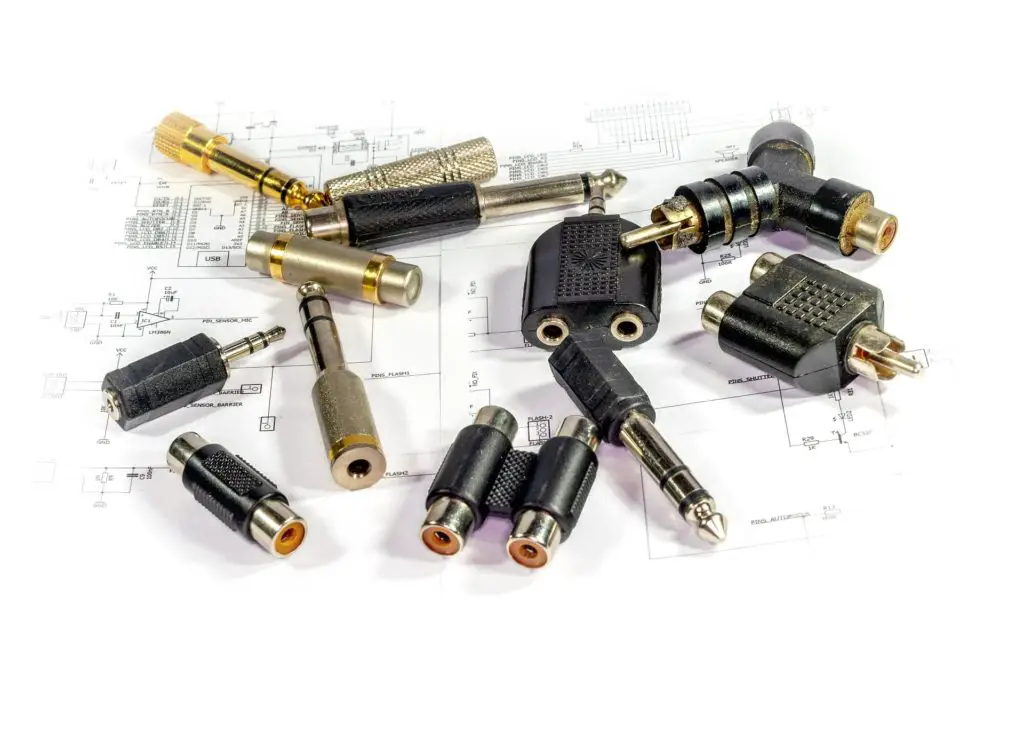
Jack adapters such as this one let you connect headphones with a 3.5 mm plug to a DJ controller with a 6.35 mm headphone output.
There are also adapters that let you go the other way around, letting you use headphones with a 6.35 mm plug on a 3.5 mm headphone output.
Of course, these types of adapters will work just as well with any other piece of audio equipment.
What audio cables do you need as a beginner DJ?
Besides 3.5 mm and 6.35 mm jack connections, you’ll often come across XLR and RCA connectors on DJ controllers, mixers, speakers and other audio equipment., you will most probably be using two other types of audio cables when dealing with most DJ controllers and mixers. These cables are:
- XLR cables – commonly used for balanced master and speaker connections
- RCA cables – a common unbalanced connection on DJ and consumer audio gear
Here is what these look like:
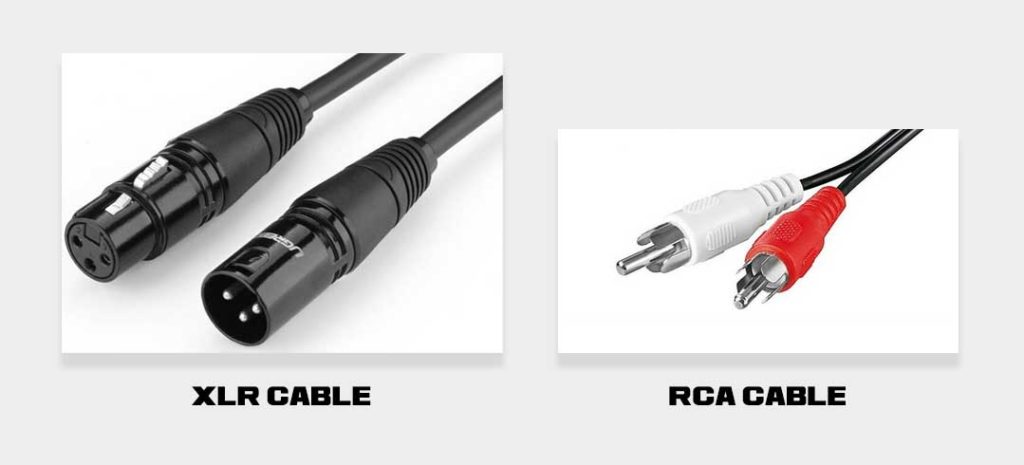
In DJ gear, XLR is commonly used for balanced master connections to powered speakers and PA systems, while RCA is common on entry-level and consumer gear and normally carries an unbalanced signal.
For short, clean cable runs, either can work perfectly well. The main practical advantage of a balanced XLR or TRS connection is better rejection of hum and interference, especially over longer cable runs. RCA is unbalanced and is more susceptible to noise.
If you want to know more about jack audio connectors in general, be sure to check this extensive guide over on mynewmicrophone.
You might also like: New DJ Splitter Cables Guide + Troubleshooting